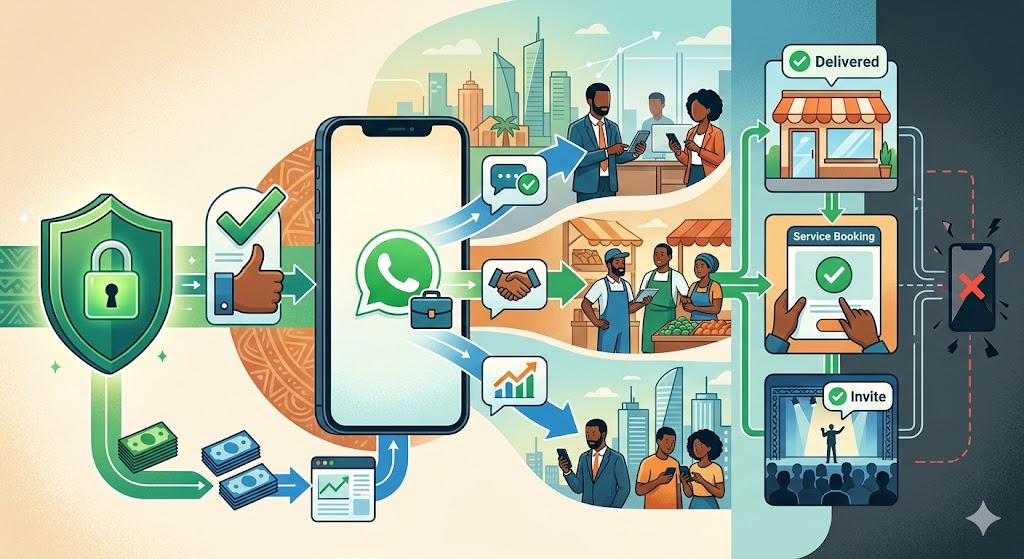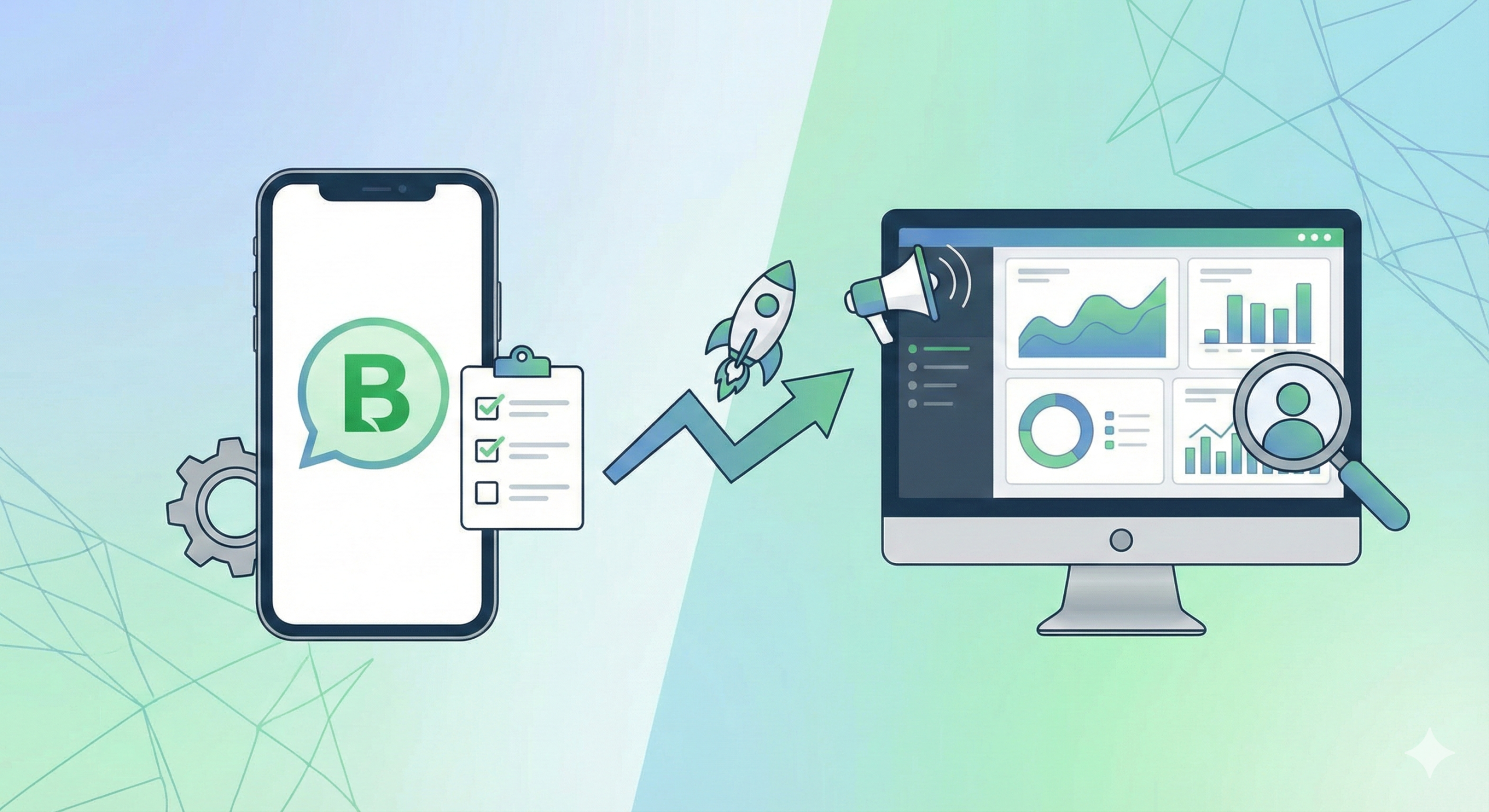
In most markets in the developing world, WhatsApp has silently become the default channel to communicate with customers, coordinate sales, and do frontline support. Nigerian SMEs, Indian retailers searching for “business whatsapp kaise banaye”, and African service providers use it daily. While the standard WhatsApp can barely keep up with increasing customer expectations, WhatsApp Business brings organization, automation, and credibility without sacrificing the simplicity people love.
The following guide breaks down everything you need to know in 2025: How WhatsApp Business works, how to set it up, which features matter most, what its messaging limits are, and when a business should upgrade from the app to the WhatsApp Business API. Think of this as your complete manual for transforming WhatsApp from a basic chat tool into a functioning customer-operations engine.
What Is WhatsApp Business?
WhatsApp Business is Meta’s free mobile app built specifically for small businesses that want to engage customers in a professional manner without losing the informal convenience of WhatsApp. In contrast to the personal app, WhatsApp Business contains structured business tools: a branded profile, message templates, automation shortcuts, product catalogs, and customer organization tools such as labels and quick replies.
It’s positioned to be the entry-level interface for micro and small businesses that operate primarily on WhatsApp. You could say it’s “WhatsApp with a business dashboard,” where an entrepreneur has the ability to set expectations, maintain professionalism, and scale basic communication.
By 2025, WhatsApp Business serves millions of SMEs across emerging markets because it solves two major problems at once:
- Customers want to message, not wait on calls.
- What businesses want now are faster response cycles without needing convoluted CRMs and better-structured workflows.
It finds broad applications in real estate, fashion retail, logistics dispatch, restaurants, coaching, online training, travel, and service-based enterprises. The app stays free, making it a particular success in cost-conscious SME markets where tools are preferred that do not bring along recurring overhead.
But the real value is realized when its features are optimized, which brings us to the next section.
How to Create a WhatsApp Business Account
Setting up WhatsApp Business is straightforward, but doing it properly ensures your brand looks professional and trustworthy.
1. Download & Install the WhatsApp Business App
The app is available on the Google Play Store and the Apple App Store. Search for WhatsApp Business — not the regular WhatsApp application.
2. Choose Your Business Phone Number
You have two options:
- Use a dedicated business SIM
- Convert your personal WhatsApp number to a business account
The best practice is to use a dedicated number so you avoid mixing personal and business messages.
3. Verify Your Number
You will receive an OTP (SMS or call). Enter it to activate the account.
4. Complete Your Business Profile
This is one of the most important steps. Add:
- Business name
- Category
- Description
- Address
- Working hours
- Website or social links
A complete profile improves customer trust and strengthens your brand identity.
5. Configure Your Messaging Tools
Turn on:
- Away messages when you’re offline
- Greeting messages for first-time customers
- Quick replies for FAQs
- Labels to organize conversations
This ensures consistent, organized communication.
Once your setup is complete, the app becomes your centralized customer communication hub.
WhatsApp Business Tools: How They Work & Why They Matter
WhatsApp Business’ power comes from its simplicity. Each feature solves a real operational use case that historically required manual labor or external tools.
1. The Business Catalog
The catalog functions like a miniature storefront inside WhatsApp. Businesses can showcase:
- Products
- Service offerings
- Prices
- Descriptions
- Photos
- Links
For retailers, salons, restaurants, logistics services, and real estate agents, the catalog eliminates the repetitive task of sending product photos or packages manually.
Catalogs also boost conversion because customers browse instantly without waiting for responses.
2. Quick Replies
Quick replies allow you to store frequently used messages such as:
- “Hello, how may I assist you today?”
- “Our delivery is 2–3 days.”
- “Here is the price list…”
With simple shortcuts (like typing /price), you send structured, consistent information.
This feature alone saves hours per week for high-volume WhatsApp operators.
3. Labels
Labels help categorize customers and conversations:
- New lead
- Pending payment
- Order confirmed
- Inspection scheduled
- VIP client
This simple organizational system reduces follow-up failures—one of the biggest revenue blockers for SMEs.
4. Automated Messages
These include:
- Greeting messages for new conversations
- Away messages outside business hours
They keep communication professional even when you’re unavailable.
WhatsApp Business Messaging Limits
WhatsApp Business operates with the following constraints that users often misunderstand.
Device Limitation
The app can run on:
- One primary phone, plus
- Four linked devices (web or companion apps)
This is suitable for micro businesses but not scalable for multi-agent operations.
Broadcast Limitations
Broadcast lists can only reach people who:
- Have saved your number
This significantly limits reach for marketing purposes.
No Bulk Messaging
WhatsApp Business cannot legally send:
- Mass promotions
- Bulk messages to cold audiences
- High-frequency marketing blasts
This is where the WhatsApp Business API becomes essential for companies that want to scale marketing.
WhatsApp Business vs WhatsApp Business API
One of the most misunderstood topics in the WhatsApp ecosystem is the difference between the Business App and the Business API.
WhatsApp Business App
- Best for micro and small businesses
- Single-user or small team usage
- Limited automation
- No advanced campaigns
- No CRM integration
- No bulk messaging service
WhatsApp Business API
The API is the enterprise-grade version designed for teams that require:
- Multi-agent access
- Automated workflows
- CRM integration
- Bulk campaigns (compliant)
- Chatbots
- High messaging throughput
- Customer segmentation
- Analytics and reporting
You cannot download the API.
You access it through a provider such as Siteti.
The API unlocks true marketing, automation, and customer management at scale.
When to Upgrade from WhatsApp Business App to API
Many businesses continue operating on the basic app long after they have outgrown it. The transition point is obvious once you know the signals.
You should upgrade when:
- You have more than one staff managing customer conversations
- You broadcast frequently and keep hitting the “saved contacts only” limit
- You need structured follow-ups
- Your growth requires automation
- You want to run campaigns or reminders
- You require CRM integration
- You want to track agent performance
- You need message templates, notifications, or chatbots
Upgrading to API allows your business to communicate like a mature enterprise, not a single-person shop.
Best WhatsApp Marketing Tools vs WhatsApp Business vs API
The landscape of WhatsApp marketing tools can be confusing, especially because many illegal bulk senders disguise themselves as “marketing tools.” Meta’s approved ecosystem is very clear:
- WhatsApp Business App → For small businesses
- Approved API Providers → For automation, marketing, multi-agent support
Siteti falls into the second category — a platform built on top of the official API, offering compliance-backed marketing, CRM, and automation.
Any tool offering:
- “Unlimited bulk messaging”
- “Scraped contact blasting”
- “WhatsApp sender without API”
…is illegal and risks instant account bans.
Siteti, Respond.io, Interakt, and other API providers ensure compliance and guarantee delivery.
How to Choose the Right WhatsApp Marketing Tool
Your choice depends on your stage of growth, operational needs, and level of communication complexity.
If you are a micro-business
The WhatsApp Business App is enough.
If your business has 2–10 agents
You need API + multi-agent inbox.
If you handle large message volumes
You need API-based automation:
- Campaigns
- Follow-up drip sequences
- Abandoned cart notifications
- Customer segmentation
- Analytics
Tools like Siteti give you the infrastructure to operate like a scaled digital business.
How Siteti Users Scale with WhatsApp
To illustrate the real-world impact of WhatsApp automation, here are simplified, anonymized case-style summaries based on Siteti users.
1. Triconna Real Estate
Triconna was losing leads because agents responded manually and inconsistently. Using Siteti’s API-driven automation, they introduced:
- Instant inquiry responses
- Automated inspection reminders
- Multi-agent routing
Result: more inspections booked and a higher lead-to-client conversion rate.
2. Swisszaco Real Estate
Swisszaco deals with high-value property inquiries. Manual processes slowed them down. After switching to Siteti:
- Lead qualification improved
- Agents handled conversations faster
- Follow-ups became automated
Result: reduced lead leakage and a stronger sales pipeline.
These stories highlight the same reality: once businesses automate WhatsApp, they don’t go back.
Try Siteti WhatsApp Automation Tools
If you’re ready to stop guessing, stop juggling manual replies, and start scaling like a serious WhatsApp-first business, then the next step is simple:
Try the Siteti WhatsApp Automation Platform.
You get:
- Official WhatsApp API access
- Multi-agent inbox
- Automation workflows
- Broadcast campaigns
- Follow-up sequences
- Chatbots
- CRM integration
- Analytics and reporting
It’s the easiest way for Nigerian and African SMEs to run WhatsApp like a modern revenue engine.